
Customer Self-Service
Let customers book, sign up and look things up on their own, without a phone call.
Bought once for the business, not per person. Free while your 90-day trial runs, or for the first 7 days if added later. Prices shown in US dollars, based on your location.Prices shown in Canadian dollars, based on your location.
Online Booking
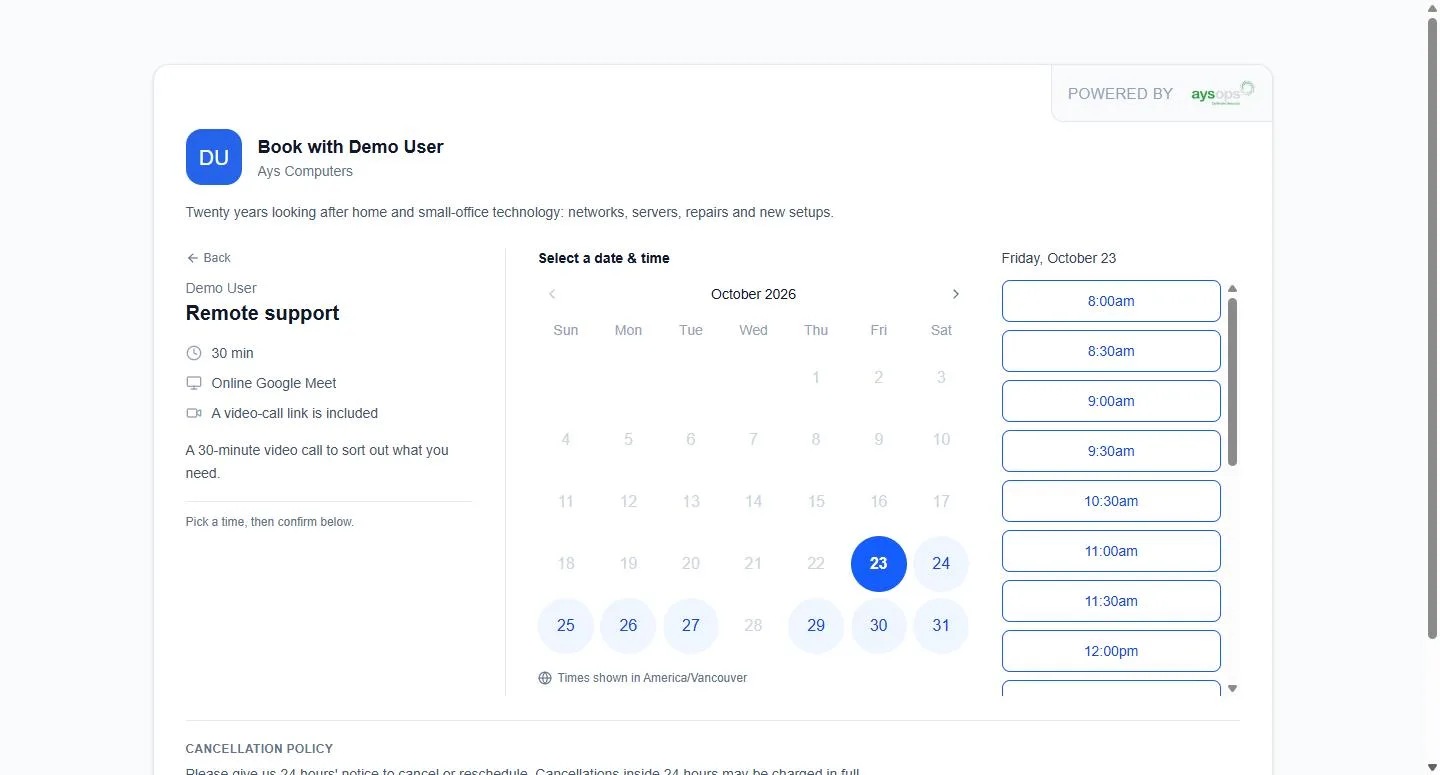
Let customers book you, any time of day.
- A booking page of your own: one for the business, and one for each person customers can book
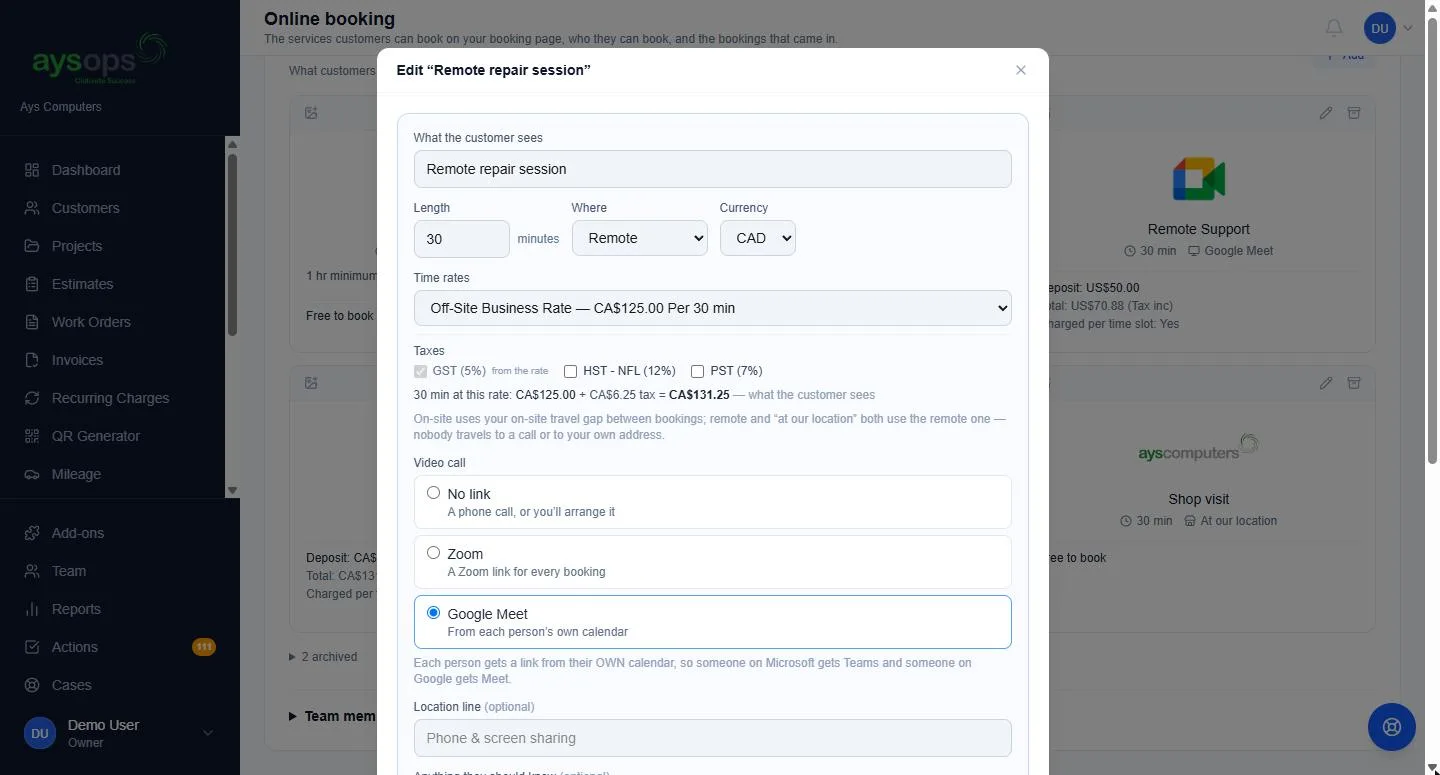
- Decide what can be booked: each service with its own length, on-site, at your location or by video call, and which of your people offer it
- Real time slots from your work calendar, honouring your hours, closures, existing appointments and travel time, with the notice you need and how far ahead people can book
- Book one service from a link: share a link or button for a single service. If several people offer it, customers choose a person or First available, and AysOps books whoever is free
- Set how far you will travel; anyone further away is shown your contact details instead of a time
- Take a deposit or the full price when they book (requires AysOps Payments)
- Prices by country: Canadian visitors see your CAD prices, everyone else your USD ones
- Listed, unlisted or private: keep a service off your booking page while its link still works, or make it bookable only through a private link you share
- Show the business, not the person: for any service, the booking page, emails and calendar file show your business name and logo instead of a team member, and a link to that service books whoever is free (First available). Useful when anyone on the team can do the job, or you would rather not put names online
- An icon for each service: pick one or upload your own picture, so customers spot the right service at a glance
- You choose who appears; booking pages are never indexed by search engines
- They pick a time, add their details, and confirm their email once, with a link we send them (the time is held for two hours). Returning customers skip that step
- Customers can book several times in one go. You set how many
- Your cancellation policy is shown before they pick a time
- A confirmation email with the appointment attached and an Add to my calendar button that works on an iPhone, Outlook or Android
- They can pick a new time or cancel from that email, within your cancellation window, without calling you
- Plan and pack hours used automatically (with the Customer Portal): a signed-in member's included hours or prepaid hours cover the booking, so a fully covered booking just says Confirm booking, with nothing to pay
- If one of your booking limits stops them, they are told why, how many more times they can pick and how to reach you, instead of a dead end
- A paid booking sends them a receipt
- Remote bookings get a video-call link automatically, with a Video Meetings add-on
- Bookings land on the right calendar, with an email and a to-do
- New customers created for you, with duplicate detection
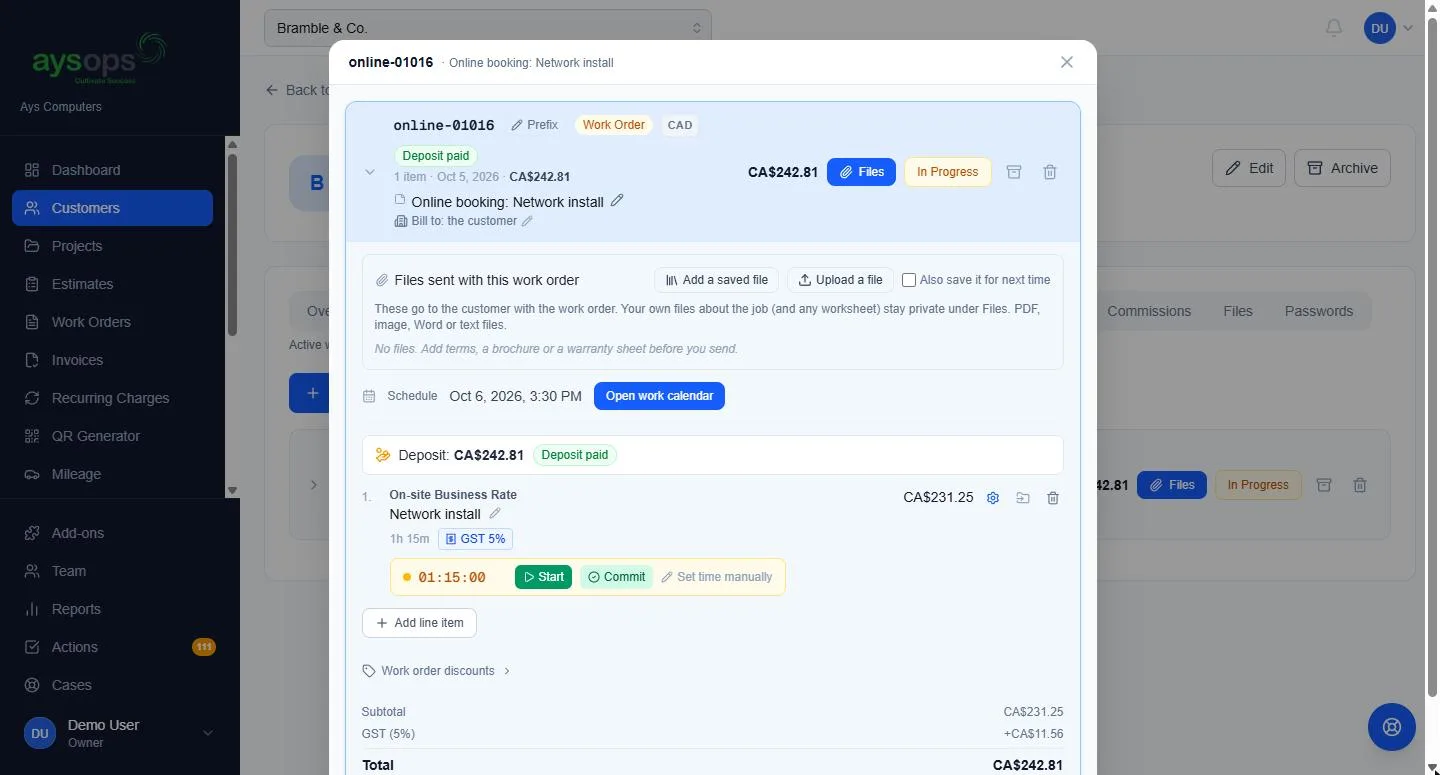
- A paid booking creates a work order with the payment already on it
- Each appointment shows who booked it online; link it to a customer or create one from it, and confirm their email yourself when you know it is theirs
- A remote booking's video-call link reaches you too, in the new-booking email and on your synced calendar
- Show booking on your own website, styled with your colours and a font close to yours, or add a Book now button
- Save up to 10 named looks and pick one for each embed, button or link
- One service on its own: put a single service on a page of your site, as a box or a popup, and visitors see only that service, with no way off to the rest of your list
- QR codes for flyers, cards and signs, with bookings marked "From your QR code"
Not a website builder: it works alongside whatever site you already have. Classes and group sessions are the separate Group Sessions add-on.
Planned: a "request a job" form for your own website.
AysOps Group Sessions
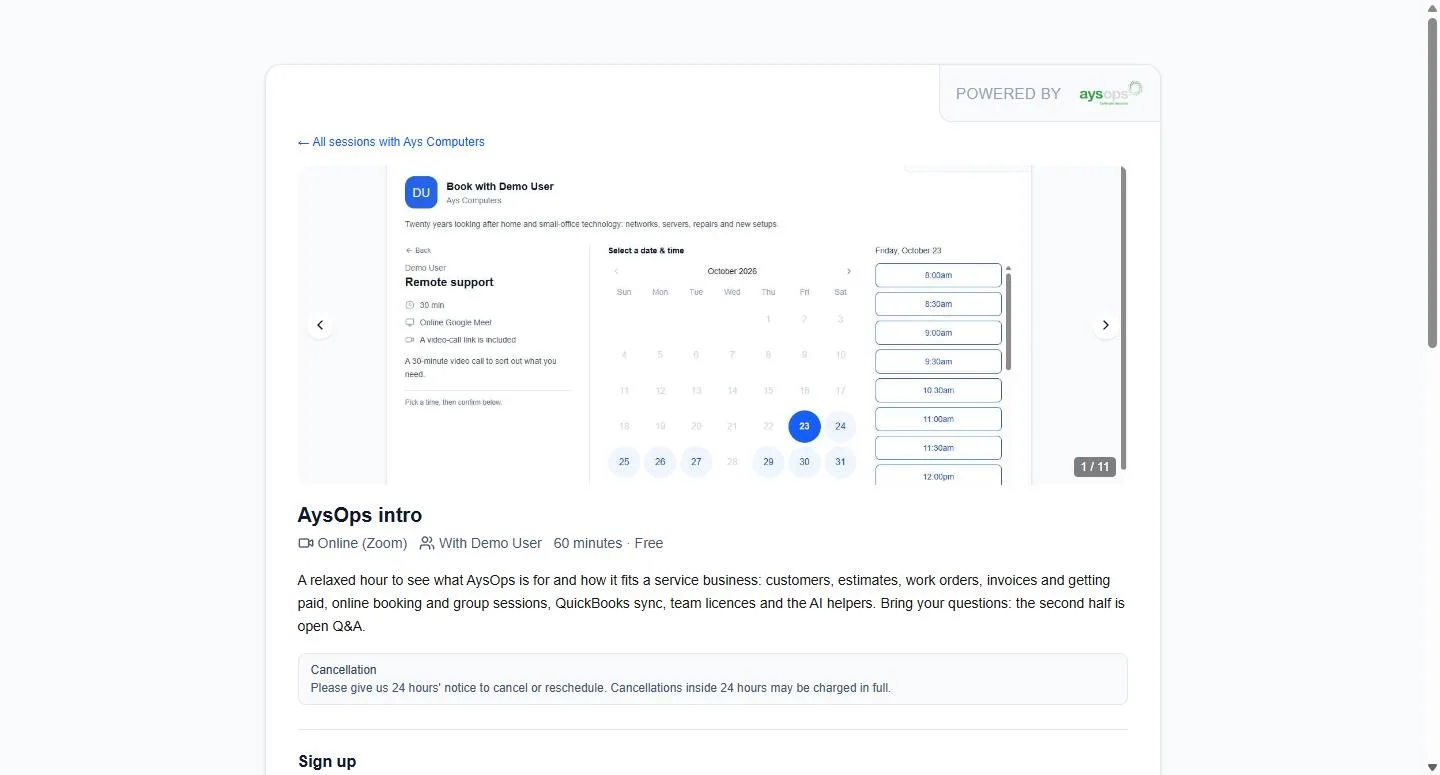
Classes, info sessions and training, booked from your booking page.
- Group sessions online or in person, once or on a repeating schedule, sorted into your own categories
- One session on several days and times a week, each with its own time, instructors and place, or on custom dates
- People drop in, sign up for a whole day and time (for example every Saturday class) or take the whole series, in any mix you allow
- Keep a session off your booking page (unlisted, or a private link only), for example a follow-on class you send to people who finished the first
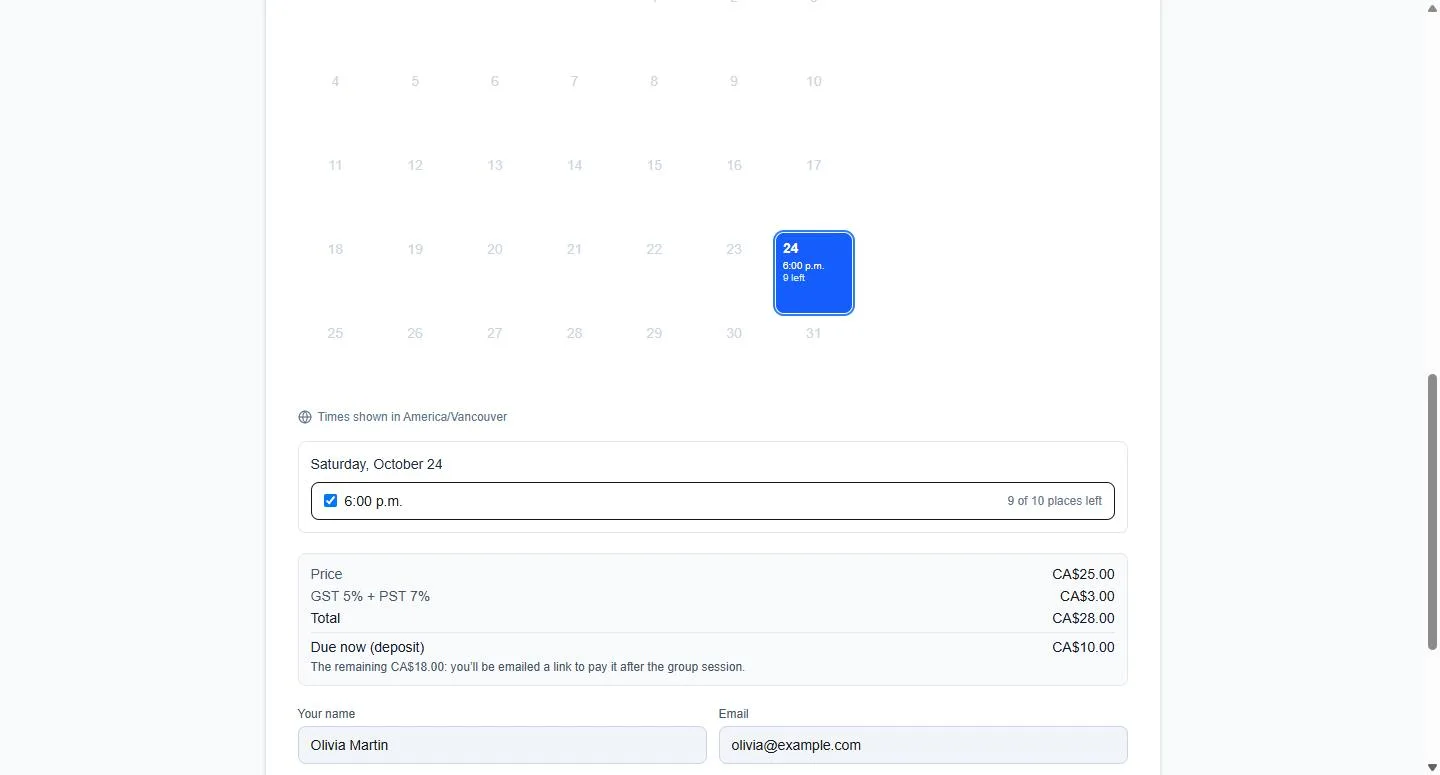
- A maximum number of places, with a waitlist that emails people when a place opens
- Charge per session, for the whole series or for bundles, with an optional deposit, in CAD, USD or both
- Your own sign-up questions, and a waiver people accept
- Reminder emails at the times you choose, and the attendee list emailed to instructors each morning
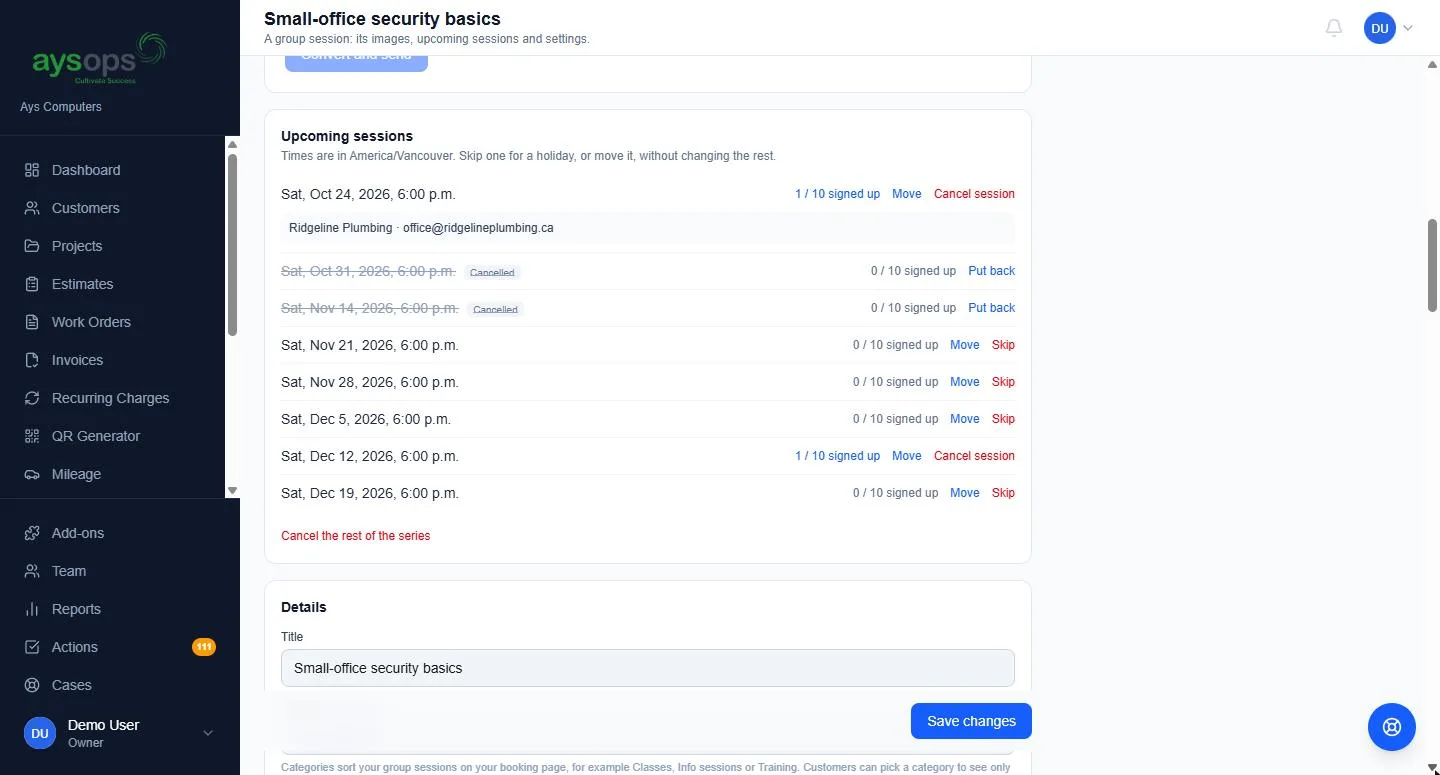
- Move or cancel a session, or change it and every one after it, and everyone signed up is told; you decide any refunds
- Each session blocks its instructors' calendars
- Show one session, or your whole list, on your own website
- Instructors kept informed: they are emailed when a place is confirmed, with every answer, and when someone cancels, so nobody has to check the list (switch it off for any session)
- Who is coming, at a glance: everyone signed up and every answer in one list, past sessions included, with a download for a spreadsheet
- Confirmation emails have an Add to my calendar button for each date, and a shared session link shows a preview with its title, your business and its picture
- Members use their places (with the Customer Portal): a signed-in member or pack holder signs up for single sessions with their included or prepaid places, with nothing to pay
Customer Portal
Somewhere to send a customer who asks "what did I pay you in March?"
- A private page for each customer. They type their email and sign in with the link we send them, with no password to invent or forget
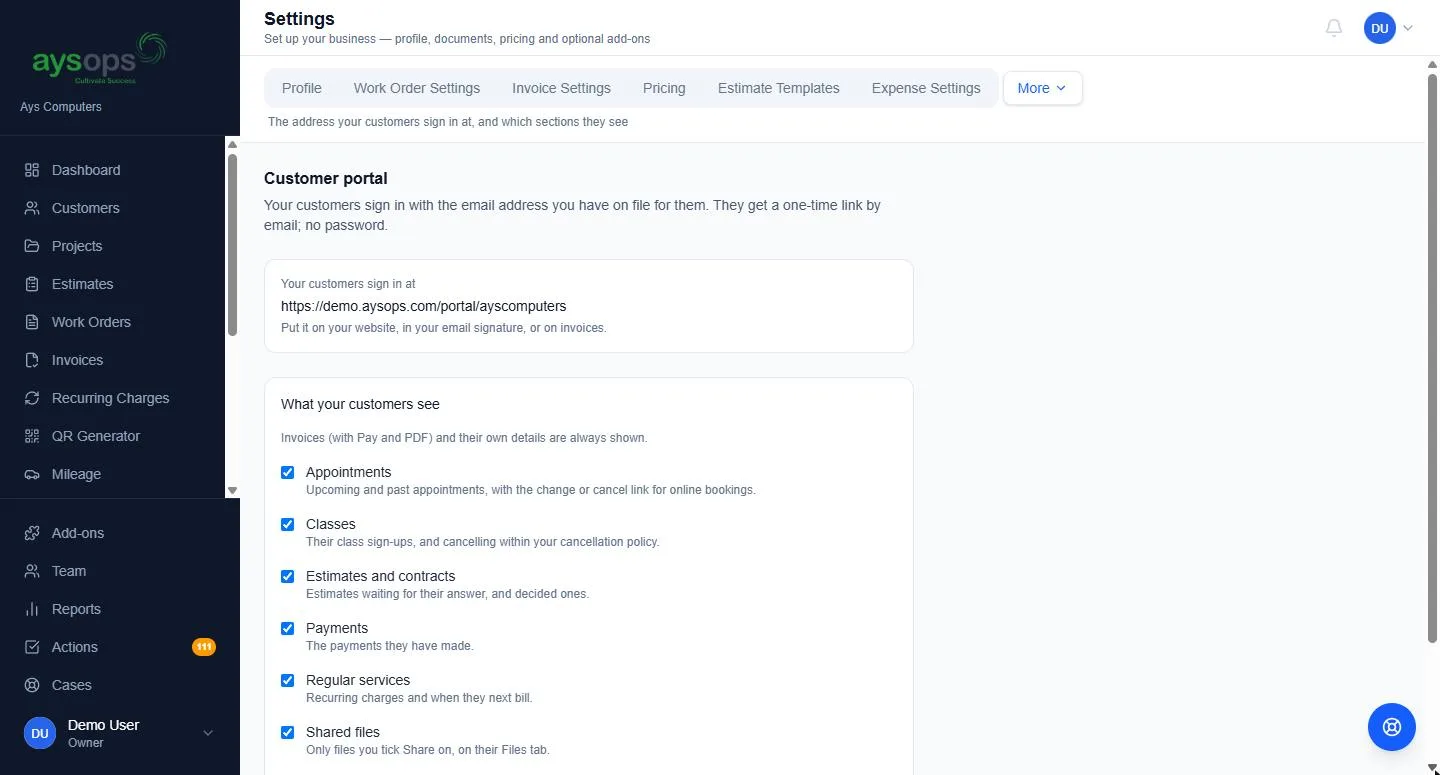
- Their invoices and what they still owe, with a PDF of each and a Pay button (with AysOps Payments)
- Estimates and contracts waiting for their answer, and the ones already decided
- Upcoming appointments and classes, with the link to change or cancel, and the work you have done for them
- Every payment they have made, and their regular services with when each next bills
- Only the files you choose to share
- They can update their own name, phone and addresses, and ask for a copy of their data. You choose whether they can; nothing they replace is lost, and you get a to-do
- Which sections they see, and the portal can be switched off for any one customer
- One sign-in for the portal and your booking pages, and a look of its own to match your website
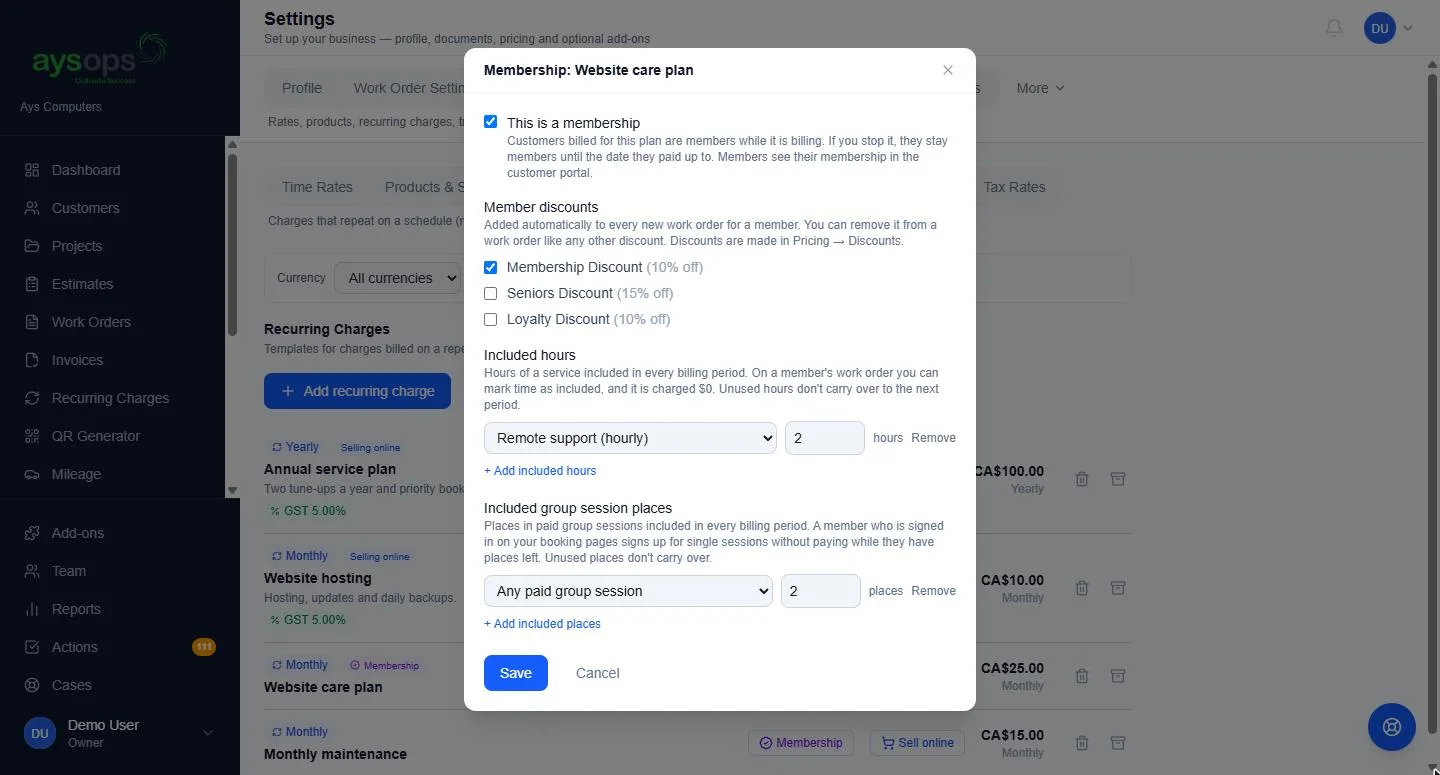
- Memberships: make a recurring charge a membership with a member discount on their work orders, included hours of a service, and included places in your group sessions each period
- Prepaid packs: sell packs of hours or class places; customers see what is left and what was used, and can buy another online
- Hours used automatically when they book online: a signed-in customer's plan hours or pack hours cover the booking. Fully covered means nothing to pay, partly covered means they pay only the rest, and cancelling before your cut-off gives the hours back
- Never indexed by search engines, and each business verifies its customers separately, so nothing is shared between businesses
Accepting an estimate is already included in AysOps. The portal adds everything else.
More add-ons
Start with the base plan
$19.99 USD$24.99 CAD/month, 90 days free, and add-ons only when you want them.