
Photographer and videographer software
from first booking to final files
Inquiries in three inboxes, a contract sent as a PDF and signed who knows when, a deposit you forgot to chase, and kilometres you never billed. AysOps takes the booking and the deposit, gets the contract signed online, and keeps every client's files, travel and payments on their record.
From $19.99 USD$24.99 CAD/mo · No credit card to start
Every shoot, its paperwork and its payments in one place
Everything below is included in the base plan unless it names an add-on.
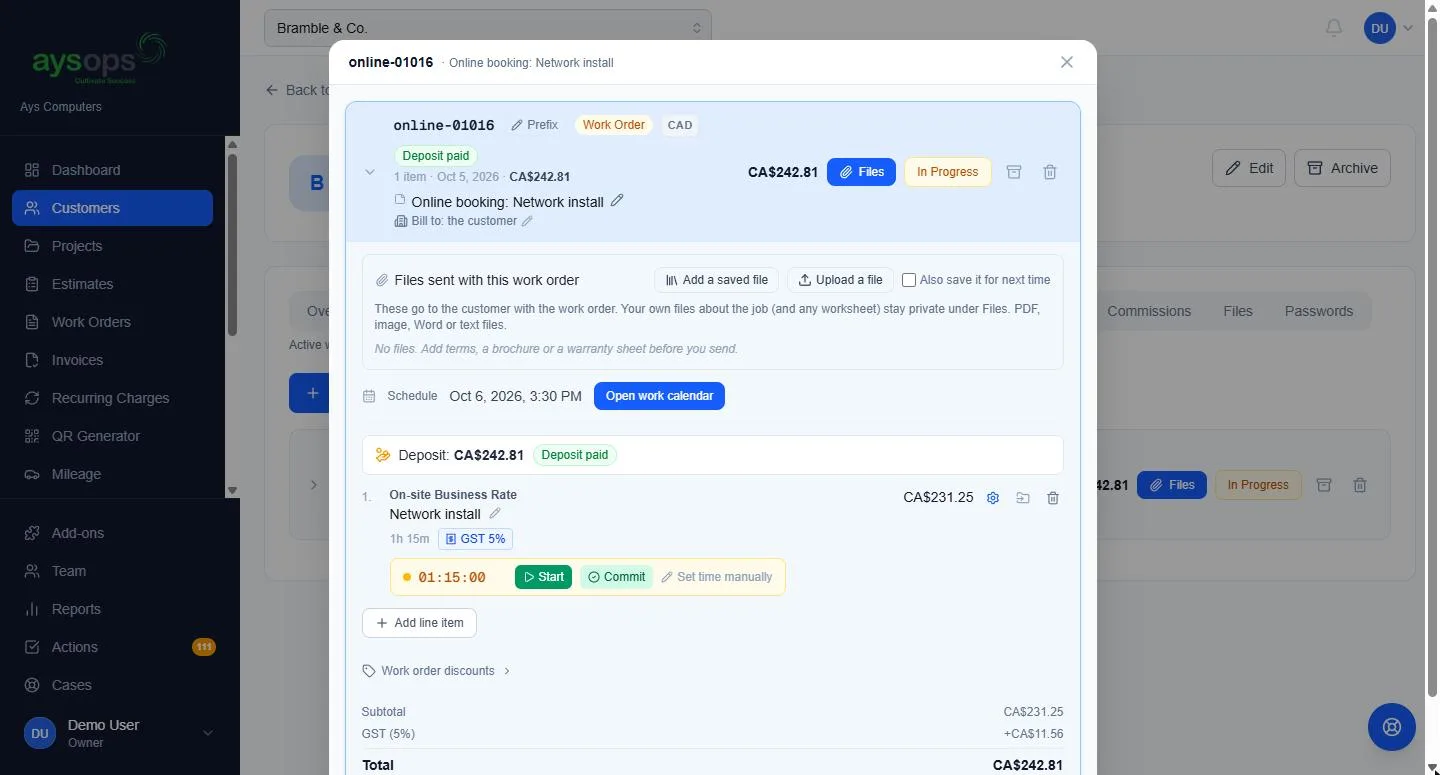
Sessions booked, deposit paid
With the Online Booking add-on ($7.99 USD/mo$9.99 CAD/mo):
- A booking page for the business, and one for each photographer with their photo and a short bio
- Shoots on location, sessions at your studio, and planning calls by video, each with its own length
- Real time slots from your calendar, and how far you will travel for on-site shoots
- Take a deposit or the full price when they book (with AysOps Payments); a work order is created with the payment already recorded
- Your cancellation policy is shown before they pick a time, not after
Packages, contracts and the balance
Quote a wedding, a corporate shoot or a family session the same way every time.
- Save each package as an estimate template, shown to the client as one named total while you keep every line
- Optional extras the client ticks to add, such as a second shooter or a printed album, with the total and deposit following their choices
- Contracts: your terms agreed before approving, questions such as the event date and number of guests, and a request form for your website
- Clients approve online with a typed name and a drawn signature
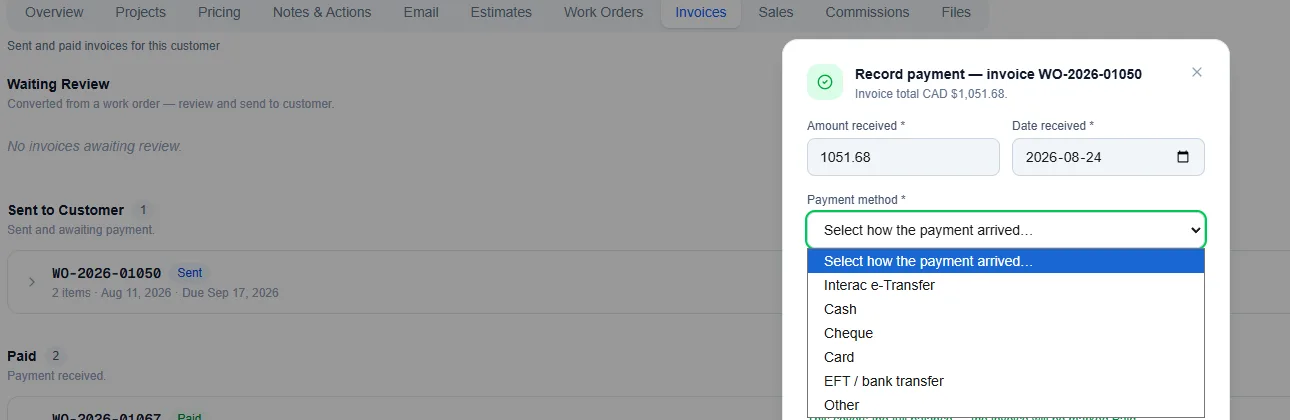
- The deposit is credited to the final invoice; the balance gets a Pay now link with AysOps Payments, and partial payments are tracked
Finished files, shared with your client
With the Customer Portal add-on ($3.99 USD/mo$5.49 CAD/mo):
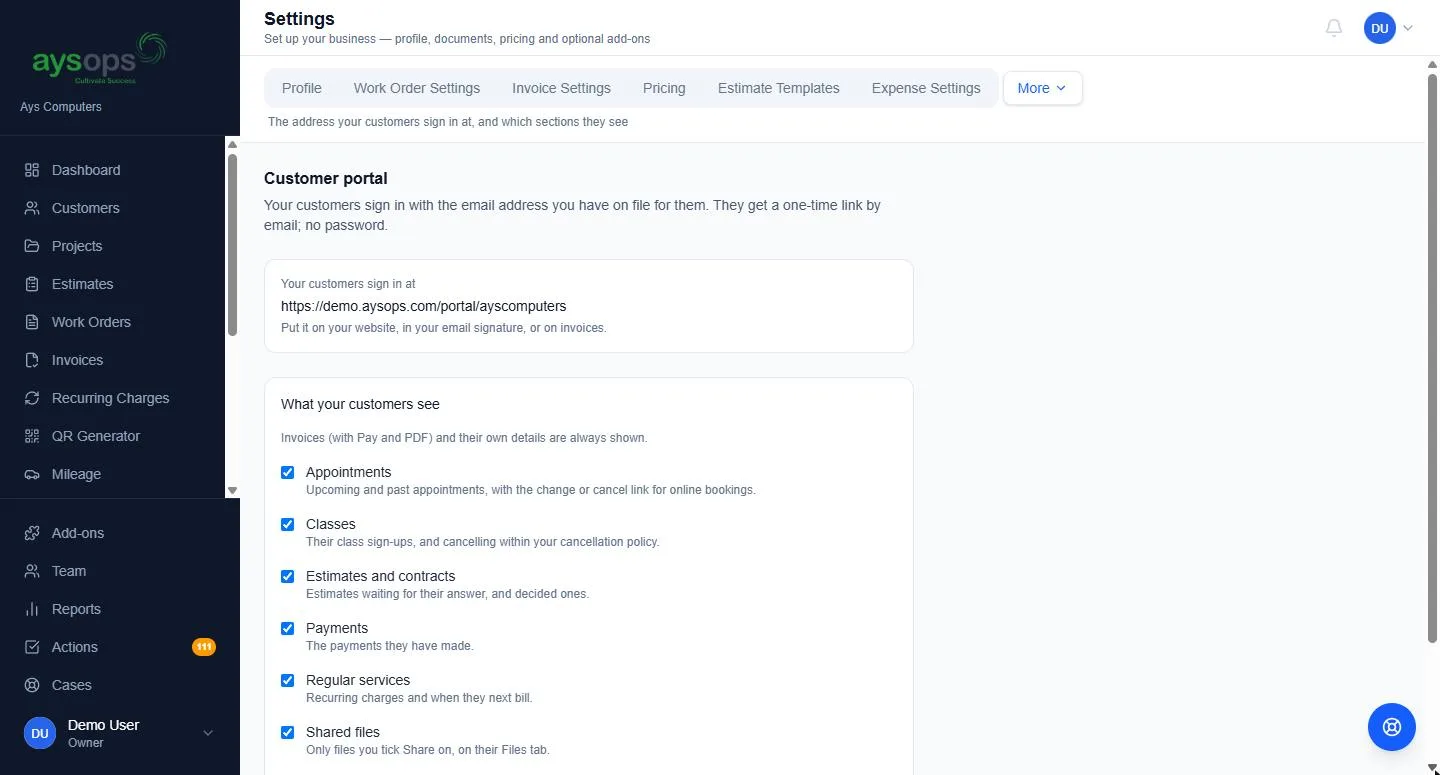
- Upload files to the client's record, then press the share icon on each one you want them to have; it shows "In their portal"
- Nothing is visible to the client until you share it
- Clients sign in with a link sent to their email, with no password, and download what you shared
- The same page shows their invoices with a Pay button, estimates and contracts waiting for an answer, and their upcoming sessions
Each file can be up to 50 MB. Every company includes 2 GB of storage, and Extra Storage adds more from $2 USD/mo$2.50 CAD/mo.
Planning calls that become a shot list and a quote
Plan the day with your client on a video call, then let AysOps AI ($9.99 USD/mo$13.49 CAD/mo) do the write-up.
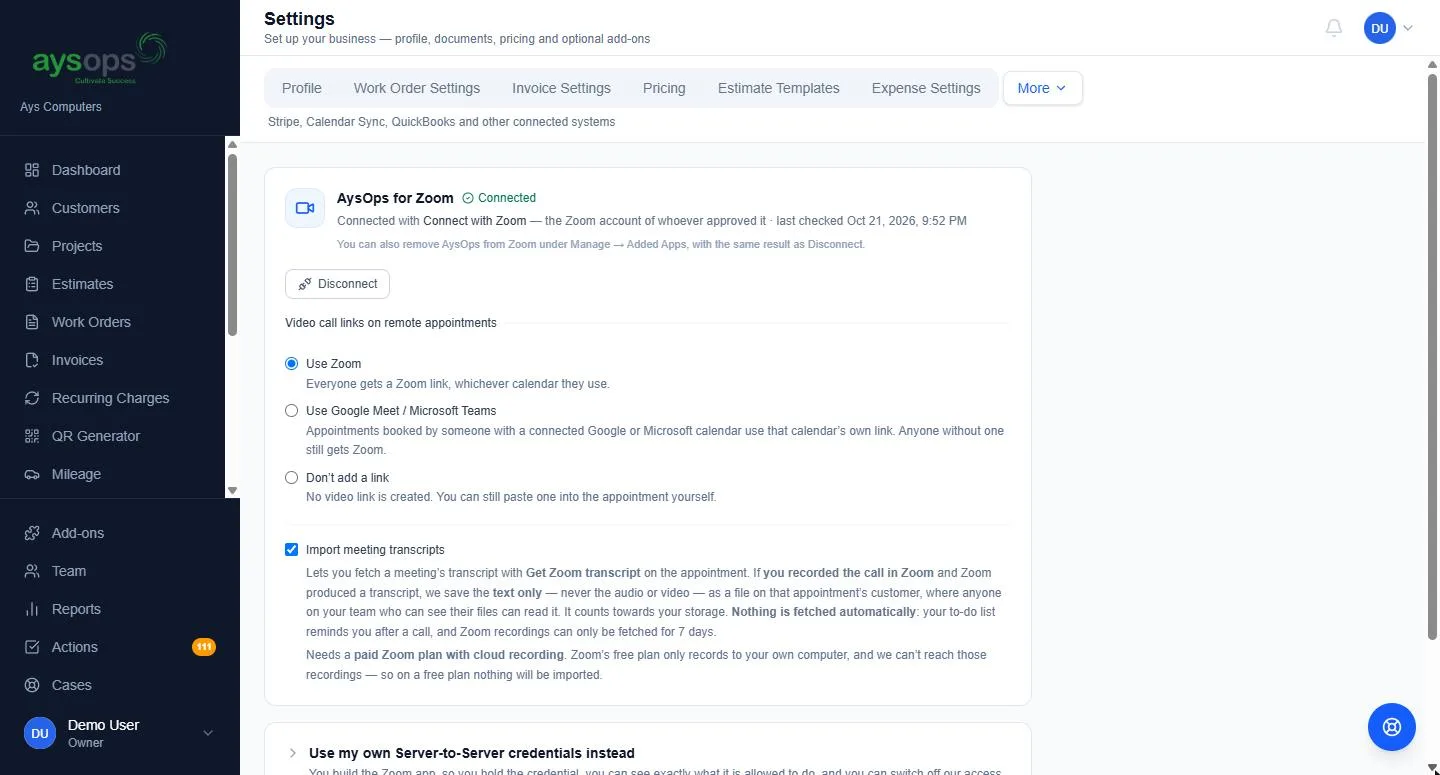
- After a Zoom, Google Meet or Microsoft Teams call where transcription was on, press one button to save its text transcript onto the client (Video Meetings add-ons). Text only, never audio or video. For Teams, your Microsoft 365 administrator approves access once
- Nothing is fetched on its own: a reminder on your Actions list invites you to import the notes, and a person presses the button every time
- Recorded the call another way? Upload the transcript instead, no video add-on needed
- Review with AI: a summary and suggested follow-ups, as tasks, emails and phone calls. You tick the ones to keep, each with its own date and owner
- A draft estimate from the call: AI uses the latest price you both agreed, turns anything never priced into a question, and shows the words each price came from
From first inquiry to final delivery
Book
A couple books a planning call on your booking page.
Plan
After the call you save the transcript, and AI drafts the follow-ups and the quote.
Sign
They pick their extras, sign the contract online and pay the deposit.
Deliver
Travel goes on the invoice, the finished files go in their portal, and they pay the balance online.
Add only what you need
Bought once for the business, never per person. Free while your 90-day trial runs. Canadian businesses see CAD prices.
- Base plan$19.99 USD/mo$24.99 CAD/mo
- Online Booking$7.99 USD/mo$9.99 CAD/mo
- Customer Portal$3.99 USD/mo$5.49 CAD/mo
- Calendar Sync$2.49 USD/mo$2.49 CAD/mo
- AysOps AI$9.99 USD/mo$13.49 CAD/mo
- AysOps PaymentsPer-payment fee
Calendar Sync is included so bookings land in your Google, Microsoft 365 or Apple calendar.
Online payments add a small per-payment fee instead of a monthly price.
Questions photographers and videographers ask
Can clients sign the contract and pay the deposit online?
Yes. A contract is an estimate with your terms, which the client must agree to before approving with a typed name and a drawn signature. Add a deposit and the client sees it on the quote. Once they approve, send them a deposit invoice from the work order; with the AysOps Payments add-on they pay it by card online, it is recorded for you, and the paid deposit comes off the final invoice.
Can I deliver finished files through AysOps?
Yes, with the Customer Portal add-on: press the share icon on each file and the client can download it when they sign in. Each file can be up to 50 MB and counts toward your storage (2 GB included, more with Extra Storage), so large video files are better sent with the delivery service you use today.
Does AysOps record my planning calls?
No. AysOps never saves audio or video. After a Zoom, Google Meet or Microsoft Teams call where transcription was on, you can press one button to save the text transcript onto the client (with a Video Meetings add-on), or upload one from any tool. AysOps never fetches a transcript unless someone presses the button, and a transcript is never shared in the client's portal.
Can I charge for travel to a venue?
Yes, in the base plan. Set a travel rate per kilometre, per mile or per trip, log the drive with the route worked out on a map, tick Billable to client, and the charge is added to the client's work order. You can also set how far you travel for shoots booked online.
See it with your next shoot in mind
Click around the live demo, or check what it would cost. $19.99 USD$24.99 CAD/month for the base plan, 90 days free.