Coaching, training and consulting software
that fills your schedule
Back-and-forth messages to find a time, a class list in a spreadsheet, packs of sessions tracked from memory, and session notes typed up at night. AysOps lets clients book, sign up and pay on their own, keeps track of what they have left, and turns a video session into next steps.
From $19.99 USD$24.99 CAD/mo · No credit card to start
One-on-one, groups and plans, all in one place
The base plan holds your clients, calendar, invoices and reports. Booking, classes and plans come from the add-ons named below.
Clients book you, any time of day
With the Online Booking add-on ($7.99 USD/mo$9.99 CAD/mo):
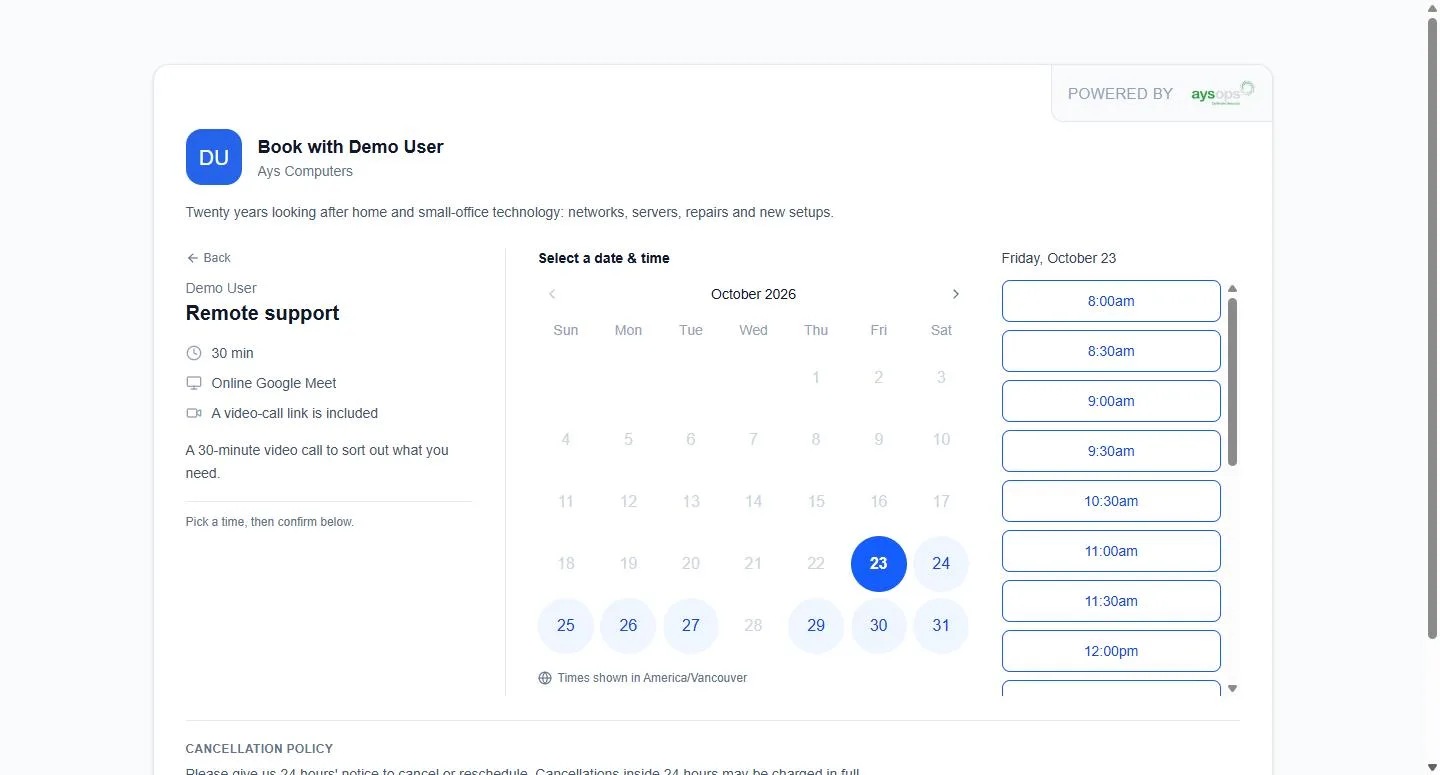
- A booking page for the business, and one for each coach or consultant with their photo and a short bio
- Sessions at the client's place, at your location, or by video call, each with its own length
- Real time slots from your calendar, honouring your hours and the notice you need
- Clients can book several sessions in one go, and see your cancellation policy first
- Take a deposit or the full price when they book (with AysOps Payments)
- Share a link, add it to your own website, or print a QR code for your studio
Classes and group sessions
With the Group Sessions add-on ($4.99 USD/mo$6.49 CAD/mo, needs Online Booking and AysOps Payments):
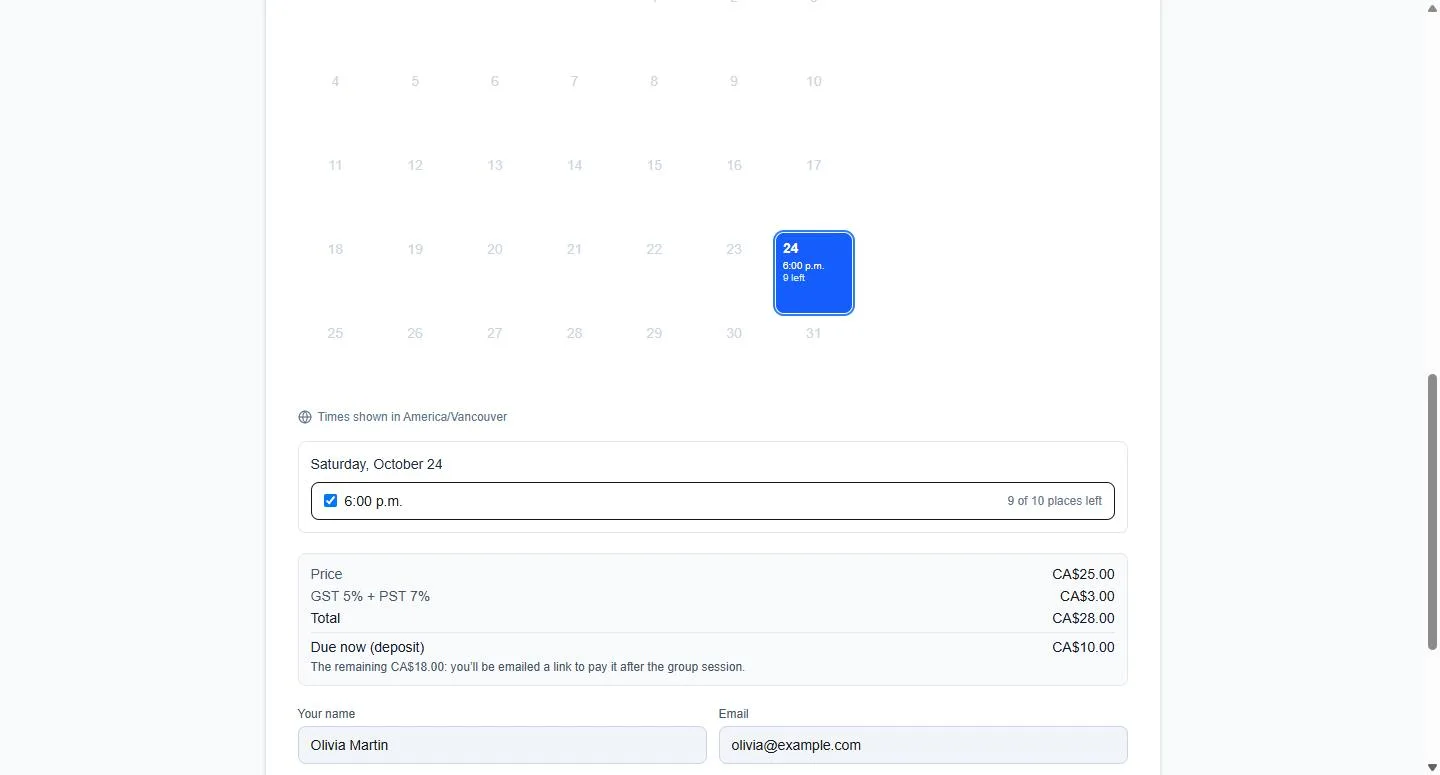
- Online or in person, once or on a repeating schedule: several days and times a week, each with its own instructors and place, or custom dates
- People drop in, sign up for a whole day and time, or take the whole series, in any mix you allow
- A maximum number of places, with a waitlist that emails people when a place opens
- Payment at sign-up: per session, for the whole series or for bundles, with an optional deposit
- Your own sign-up questions, and a waiver people accept
- Reminder emails at the times you choose, and the attendee list emailed to instructors each morning
- Move or cancel a session, or change it and every one after it, and everyone signed up is told; you decide any refunds
Memberships and session packs
With the Customer Portal add-on ($3.99 USD/mo$5.49 CAD/mo):
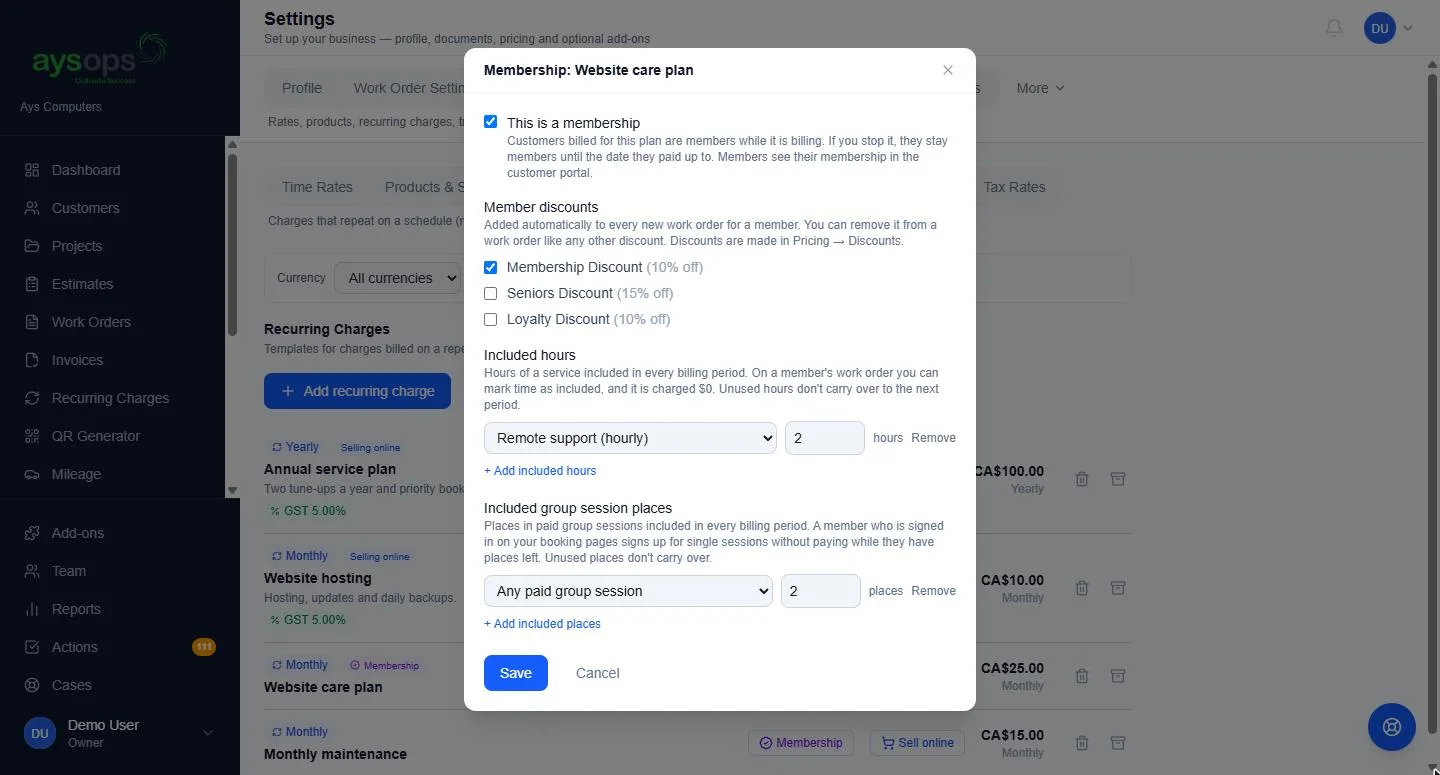
- Memberships with a member discount, included hours of a service, and included places in your classes each period
- Prepaid packs of hours or class places; clients see what is left and can buy another online
- When a signed-in client books, their plan or pack covers it. Cancel before your cut-off and the hours come back
- Clients sign in with a link sent to their email, with no password, and see their bookings, classes, invoices and payments
With AysOps Payments, a Buy now button on your own website sells a plan, bought with autopay.
Session notes that become next steps
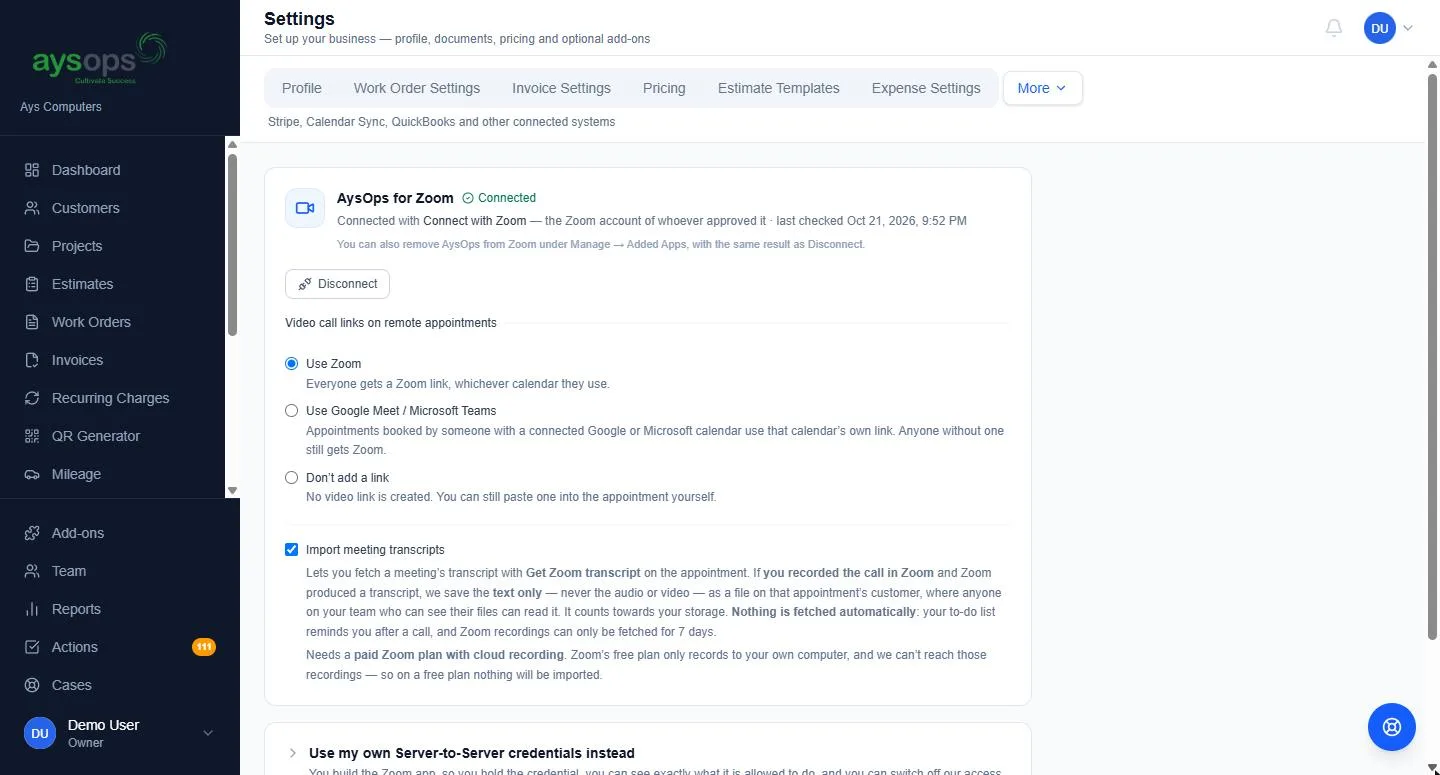
Coach or advise by video and keep what was agreed on the client's record. With a Video Meetings add-on and AysOps AI ($9.99 USD/mo$13.49 CAD/mo):
- After a Zoom, Google Meet or Microsoft Teams session where transcription was on, press one button to save its text transcript onto that client. Text only, never audio or video. For Teams, your Microsoft 365 administrator approves access once
- Nothing is fetched on its own: a reminder on your Actions list invites you to import the notes, and a person presses the button every time
- Used Otter, or recorded on your own computer? Upload the transcript instead, no video add-on needed
- Review with AI: a summary and suggested follow-ups, as tasks, emails and phone calls. You tick the ones to keep, each with its own date and owner
- Consultants quoting a project can turn the conversation into a draft estimate, with the words each price came from and a question for anything never priced
More coaching, less scheduling
Announce
Email your list about the new evening class, with a link to sign up.
Fill
People sign up and pay; once it is full, the waitlist takes over.
Coach
One-on-one clients book around the class, and members' packs cover their sessions.
Review
See revenue by period and who has gone quiet, and invite them back.
Add only what you need
Bought once for the business, never per person. Free while your 90-day trial runs. Canadian businesses see CAD prices.
- Base plan$19.99 USD/mo$24.99 CAD/mo
- Online Booking$7.99 USD/mo$9.99 CAD/mo
- Customer Portal$3.99 USD/mo$5.49 CAD/mo
- AysOps for Zoom$2.99 USD/mo$3.99 CAD/mo
- Calendar Sync$2.49 USD/mo$2.49 CAD/mo
- AysOps PaymentsPer-payment fee
Calendar Sync is included so bookings land in your Google, Microsoft 365 or Apple calendar.
Online payments add a small per-payment fee instead of a monthly price.
Questions coaches, trainers and consultants ask
Can AysOps keep notes from my video sessions?
Yes. After a Zoom, Google Meet or Microsoft Teams session where transcription was on, press one button and its text transcript is saved on that client (with a Video Meetings add-on), or upload one from any tool. With AysOps AI, Review with AI writes a summary and suggests follow-ups, and you tick the ones to keep. AysOps never saves audio or video, and never fetches a transcript unless someone presses the button.
Can people pay when they sign up for a class?
Yes. Group Sessions works with AysOps Payments, so people pay per session, for the whole series or for a bundle when they sign up, or pay a deposit. When a class is full, they can join the waitlist and are emailed if a place opens.
Can I sell a pack of ten sessions?
Yes, with the Customer Portal add-on. Sell packs of hours or class places; clients see what is left and what was used, and a signed-in client's pack covers their online bookings.
Do my clients need to make an account?
No password, ever. They confirm their email once with a link we send, and returning clients skip that step. The portal works the same way: they type their email and sign in with the link.
Can I charge Canadian clients in CAD and others in USD?
Yes. Your booking page shows Canadian visitors your CAD prices and everyone else your USD ones, and group sessions can be priced in CAD, USD or both.
See how your week could look
Click around the live demo, or check what it would cost. $19.99 USD$24.99 CAD/month for the base plan, 90 days free.