Cleaning business software
that books, bills and gets you paid
Regular clients, one-off deep cleans, a team out at different homes and a phone that keeps ringing. AysOps keeps the bookings, the visits, the invoices and the payments in one place, so your evenings are not spent on paperwork.
From $19.99 USD$24.99 CAD/mo · No credit card to start
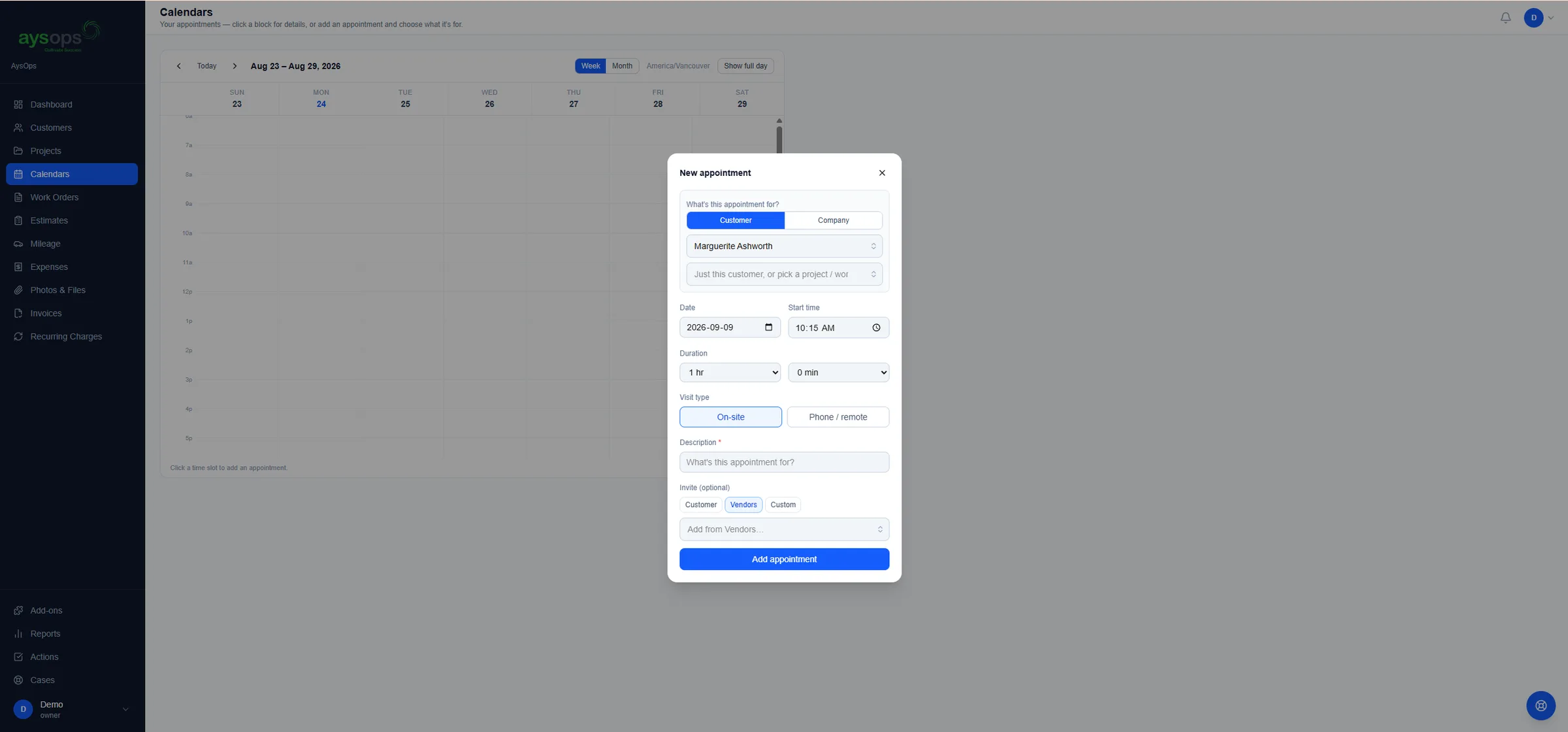
From the first booking to the last payment
Everything below is included in the base plan unless it names an add-on.
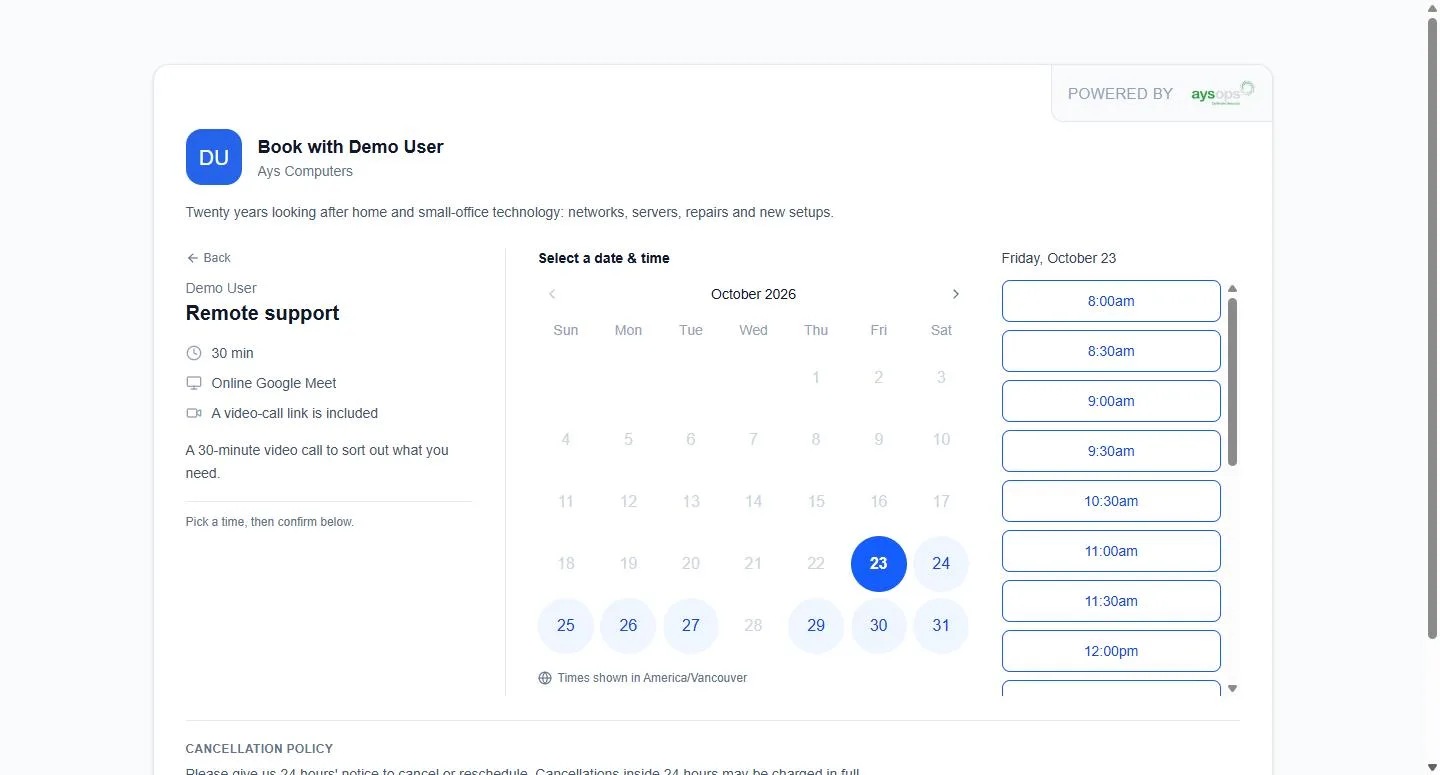
Let clients book themselves
Put your cleans on a booking page and stop playing phone tag. With the Online Booking add-on ($7.99 USD/mo$9.99 CAD/mo):
- Each service with its own length, such as a standard clean or a move-out clean
- Visits at the client's home ask where to come, and a returning client picks an address they used before
- Set how far you will travel; anyone further away sees your contact details instead of a time
- Your cancellation policy is shown before they pick a time
- Take a deposit or the full price when they book (with AysOps Payments)
- New clients are created for you, with duplicate detection, and the booking lands on the right calendar
- Print a QR code for flyers and door hangers; bookings from it are marked "From your QR code"
Regular clients, billed without chasing
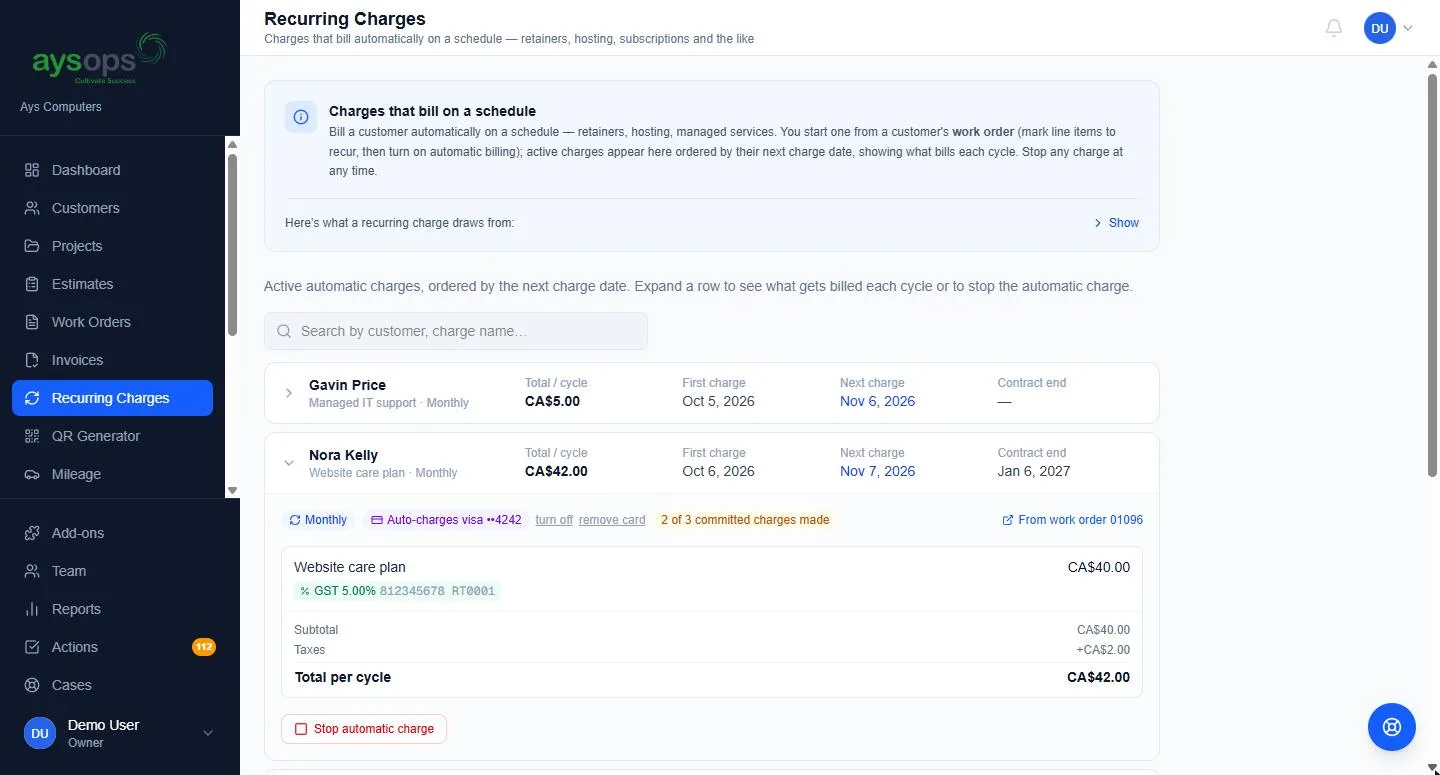
Set up a recurring charge for a client you clean for every week or every two weeks. AysOps creates the invoice on each due date and can email it for you.
- Weekly, every 2 weeks, monthly, or every so many days
- The next billing date is always visible, and stopping a charge stops the billing cleanly
- Autopay with the AysOps Payments add-on: the client agrees once, their card is saved, and each cycle is charged. A declined card gets the ordinary pay link instead
- Payments you take by cash, cheque or e-transfer are recorded by hand, with a receipt to the client
Prepaid packs and memberships
Sell a block of cleaning hours up front, or a monthly plan. With the Customer Portal add-on ($3.99 USD/mo$5.49 CAD/mo):
- Prepaid packs of hours; clients see what is left and what was used, and can buy another online
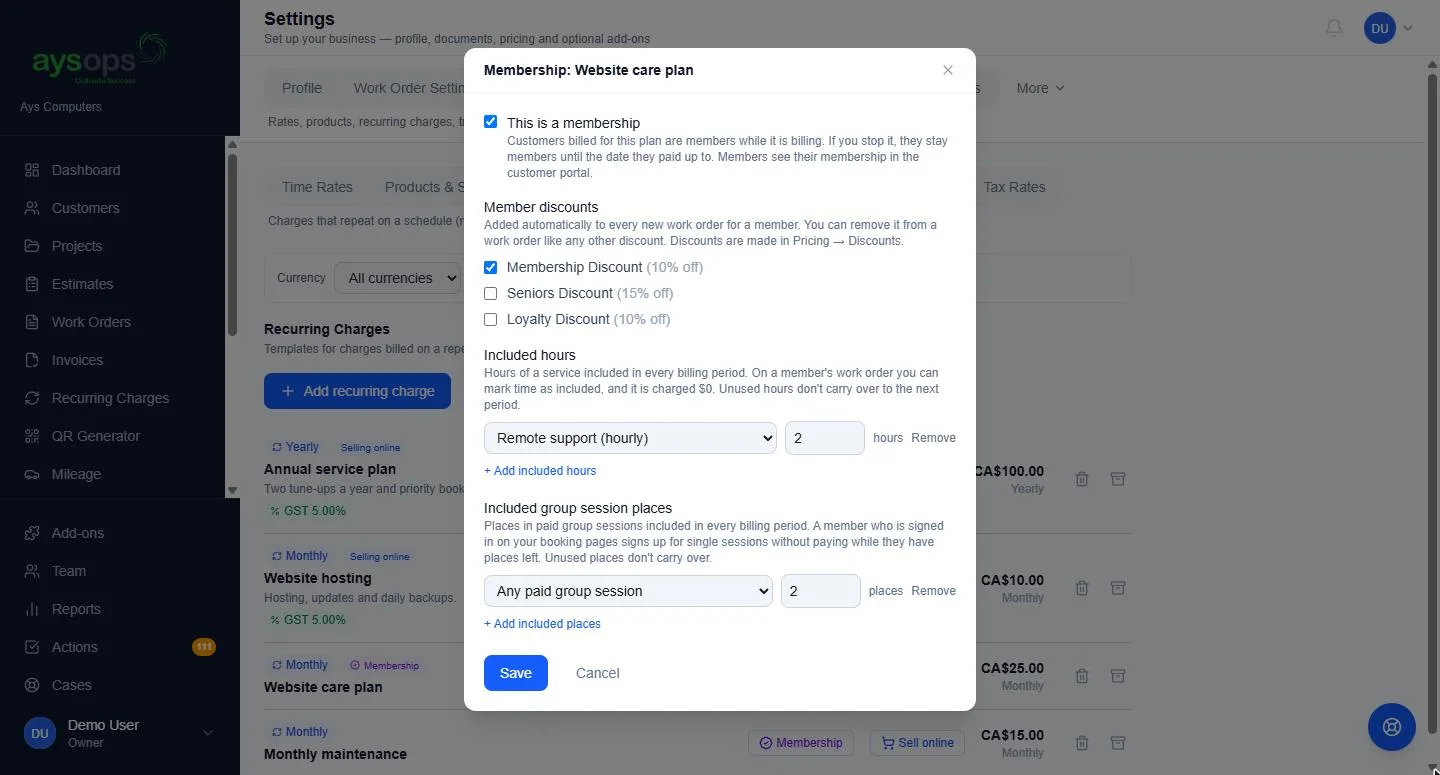
- Memberships with a member discount and included hours each period
- When a signed-in client books online, their plan or pack hours cover the booking. Fully covered means nothing to pay, and cancelling before your cut-off gives the hours back
- Clients sign in with a link sent to their email, with no password to forget, and see their invoices, payments and upcoming visits
Less office, more cleaning
A new client books
They pick a move-out clean on your booking page, pay the deposit, and the visit is on your calendar.
The team heads out
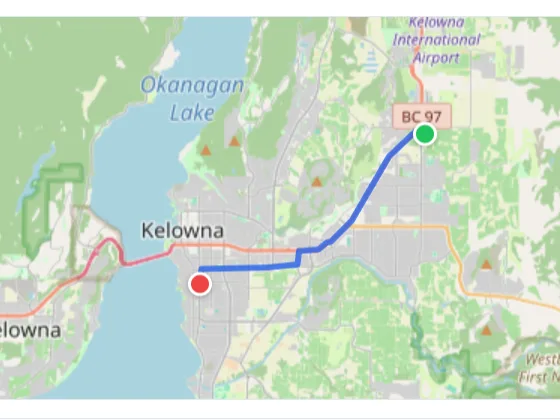
Each cleaner opens Today on their phone for addresses, directions and a call button.
Regulars bill themselves
Recurring charges create this week's invoices, and autopay charges the cards on file.
Friday is quiet
Check what is owed, log the week's trips and see revenue, expenses and tax in one report.
Add only what you need
Bought once for the business, never per person. Free while your 90-day trial runs. Canadian businesses see CAD prices.
- Base plan$19.99 USD/mo$24.99 CAD/mo
- Online Booking$7.99 USD/mo$9.99 CAD/mo
- Customer Portal$3.99 USD/mo$5.49 CAD/mo
- Calendar Sync$2.49 USD/mo$2.49 CAD/mo
- AysOps PaymentsPer-payment fee
Calendar Sync is included so bookings land in your Google, Microsoft 365 or Apple calendar.
Online payments add a small per-payment fee instead of a monthly price.
- Base plan$19.99 USD/mo$24.99 CAD/mo
- Online Booking$7.99 USD/mo$9.99 CAD/mo
- Customer Portal$3.99 USD/mo$5.49 CAD/mo
- Calendar Sync$2.49 USD/mo$2.49 CAD/mo
- AysOps Teams$6.99 USD/mo$8.99 CAD/mo
- One Staff seat$6.99 USD/mo$8.99 CAD/mo
- AysOps PaymentsPer-payment fee
Calendar Sync is included so bookings land in your Google, Microsoft 365 or Apple calendar.
Each person you add costs AysOps Teams once plus their own seat; the seat price depends on their licence.
Online payments add a small per-payment fee instead of a monthly price.
Questions cleaning businesses ask
Can my clients book a clean online and pay a deposit?
Yes, with the Online Booking add-on and AysOps Payments. You choose whether each service takes a deposit or the full price when it is booked, and a paid booking arrives as a work order with the payment already on it.
How do I bill a client I clean for every two weeks?
Give them a recurring charge that bills every 2 weeks. AysOps creates each invoice on its due date and can email it. Add AysOps Payments and the client can agree to autopay, so their card is charged each cycle.
Can I email past clients about a spring cleaning special?
Yes, with the AysOps Mail Campaigns add-on. Import your clients in one click, build the email from ready-made pieces, and send it from your own mailbox. Consent is recorded for every contact, unsubscribes are honoured instantly, and a sign-up form for your website lets new people join your list after confirming by email.
Is there an app for my cleaners?
AysOps runs in the browser on any phone or tablet, with a layout made for phones: a Today screen with directions and a call button, and a button to add a photo or note on site. There is nothing to install: it works in your browser today, and phone apps are planned.
Does it handle Canadian sales tax?
You set up your own tax rates, such as GST and PST, with your tax numbers on documents if you want them shown. Your AysOps plan is billed in CAD or USD, depending on where your business is.
See it with your own week in mind
Click around the live demo, or check what it would cost. $19.99 USD$24.99 CAD/month for the base plan, 90 days free.